
Impact Levels Explained
How to determine impact and severity of issues during User Acceptance Testing
Table of Contents
During User Acceptance Testing (UAT), clearly defining impact levels helps assess whether an issue is critical or a complete blocker for launch or, if it has a lesser impact, can be addressed post-launch.
Pushing lower priority issues aside temporarily could allow us to focus on deploying the most critical MVP features by deadline. Lower-impact, non-critical issues tend to have a snowball effect which can impede workload and consume timeline.
We prioritize feedback based on the severity and impact of requested changes. When logging feedback during the UAT phase, please consider the impact of each issue to ensure that the most critical items are addressed first.
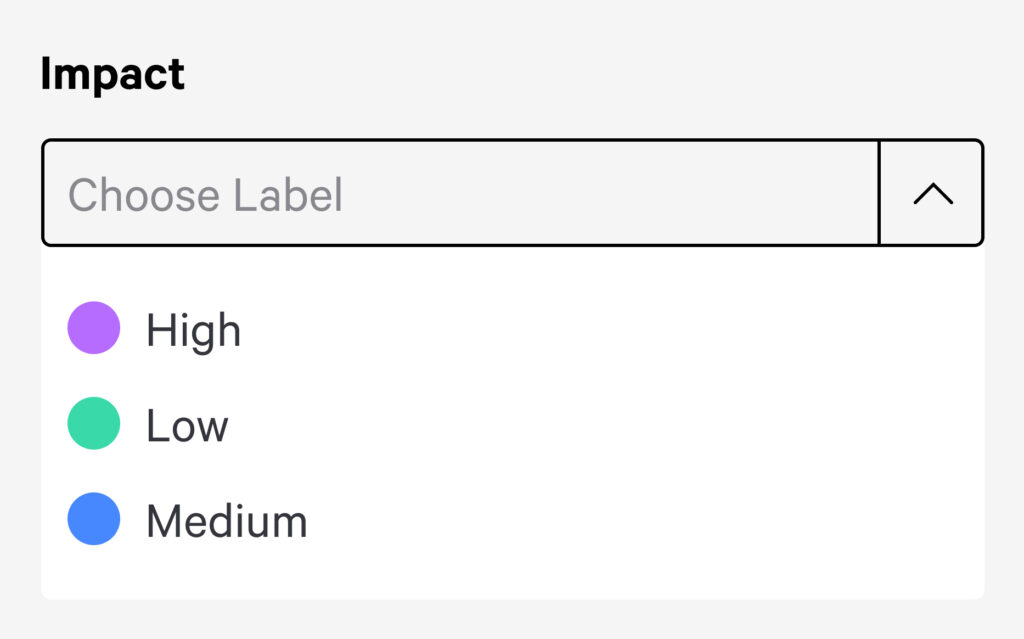
Some examples to help you consider impact during your round of reviews:
Low Impact
Low Impact issues are small cosmetic or non-critical issues that don’t greatly interfere with functionality or overall user goals
Examples:
- Small inconsistencies in font size or spacing.
- Issues on rarely visited pages or sections.
- Bugs in edge cases or uncommon devices/browsers.
Medium Impact
Medium Impact partially affects functionality or user experience but have a workaround or limited audience impact.
Examples:
- Minor layout issues that make navigation slightly less intuitive.
- Features that function but not as expected (e.g., slow loading, inconsistent formatting).
High Impact Issues
High Impact are critical issues that significantly disrupt core functionality, user experience, or business objectives.
Examples:
- Users cannot complete key actions (e.g., login, checkout, form submission).
- Features break across multiple browsers or devices.
- Issues on high visibility pages or features.
As you explore your new website or app, keep in mind that the MVP version at the initially planned release might have room for several iterations after your official deployment. It is entirely feasible to create a backlog plan early in the game, to start planning for future updates.